Record Heat Events from the Animals for Insemination Report
The Animals for Insemination report lists the cows AfiFarm has flagged for breeding. Recording a Heat event against these cows writes the heat into each cow's history and clears her from the report. An empty report confirms that every flagged cow has been actioned.
To record heat events for the cows on the report:
-
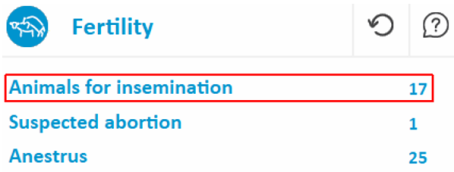
Open the Animals for Insemination report from the dashboard.
-
Click and drag to highlight all the animals in the report.
.png)
-
Right-click the selection, then click Data Entry.
.png)
-
Select Heat, then click Add.
.png)
-
Click Save.
.png)
-
Close all windows, then refresh the Animals for Insemination report to confirm the data is saved.
The report is blank when every cow has a recorded heat event.
